
Exness
Popular MT5 broker with several account types, suited to automated gold trading.
Register nowA trend-following gold trading robot for MT5. It follows the market direction, enters only when its conditions are met, and protects every trade with a stop loss, a take profit and a trailing stop.
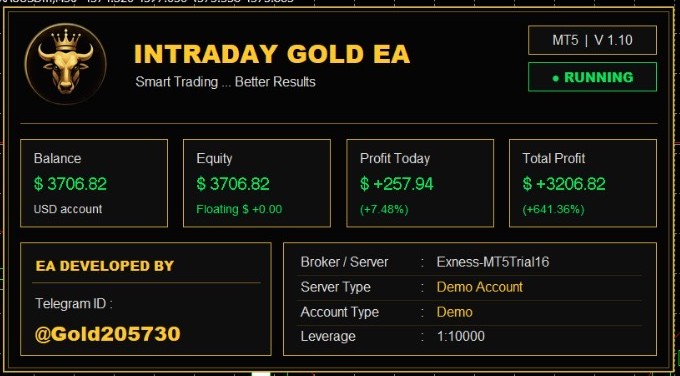
Intraday Gold V1.1 works on gold (XAUUSD) on the 30-minute chart, on MetaTrader 5. It is designed to follow the trend, identify market direction and enter when its conditions are met. It does not use martingale, grid or averaging. It trades with TP and SL, and the take profit is always bigger than the stop loss.
Measures recent highs and lows with Fibonacci levels to find the market direction.
Checks once per closed candle and enters only when the trend conditions are met.
Uses pending or market orders. Every order has a stop loss and a larger take profit.
Moves the stop forward in steps to lock in profit, and closes opposite trades when the trend flips.
Choose settings similar to a real account to get accurate results. Zero spread, tiny deposits or unrealistic leverage give misleading numbers. Watch the test video, then run your own.
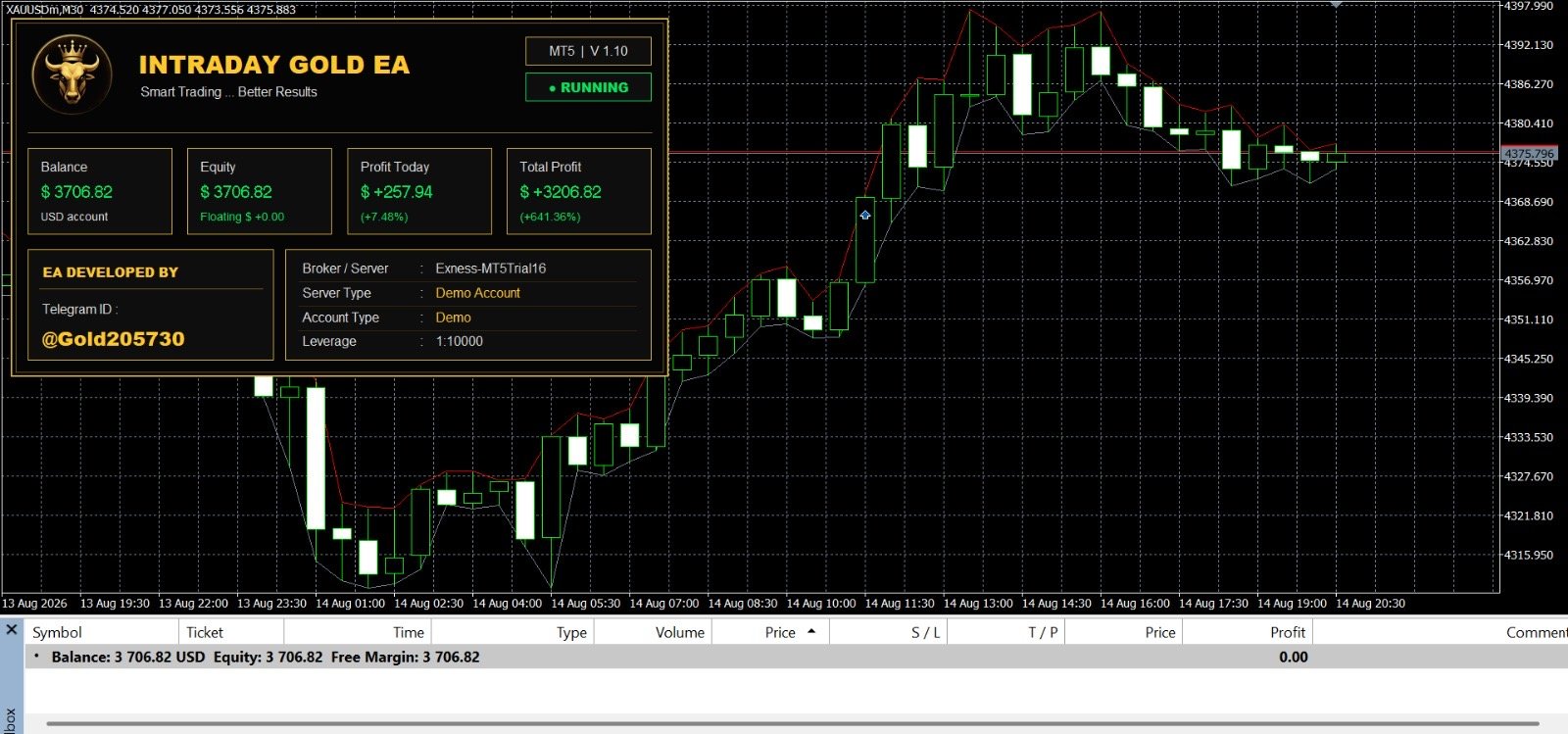
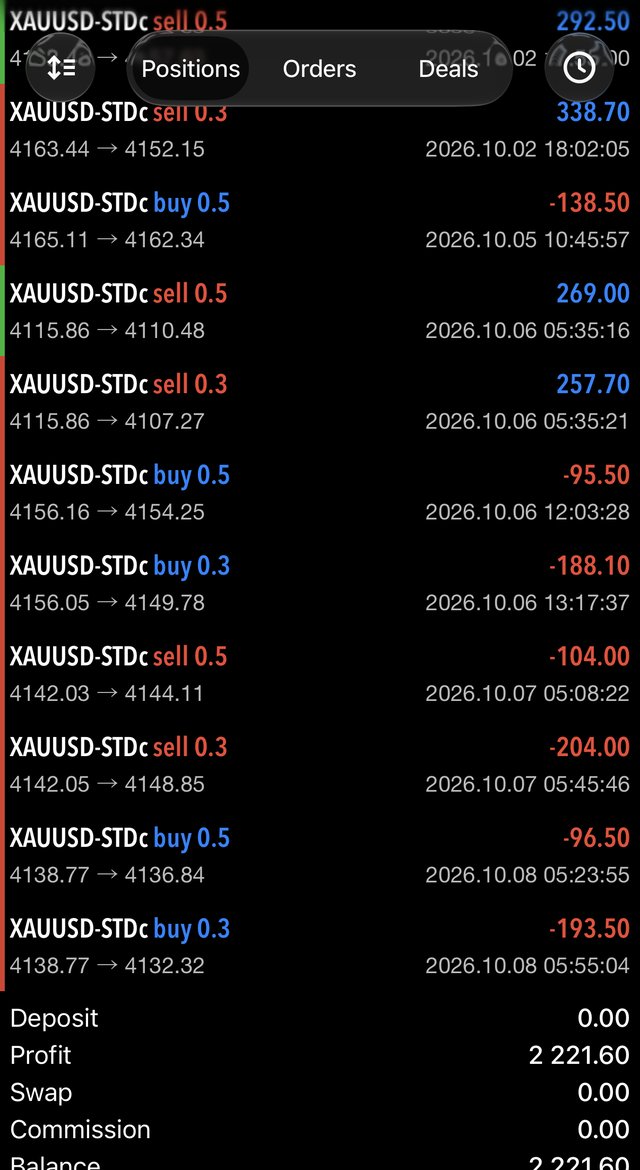
Results from the tester and screenshots are specific to one period and one account. They do not guarantee future results.
These are brokers we have worked with. Pick the one that is available in your country and check its regulation before depositing.
Popular MT5 broker with several account types, suited to automated gold trading.
Register nowMT5 broker with multiple account types and tools for Expert Advisor traders.
Register nowMT5 trading access with a range of account options for EA users.
Register nowMT5 accounts with flexible options for traders running robots on gold.
Register nowAffiliate links: we may earn a commission at no extra cost to you.
Pick the option that fits you. Everything is handled through Telegram support.
Use with any broker
If you have a trading account with us
Details available from support
Contact support on Telegram to get free access and receive all the information.
Contact Support on TelegramPrices in USD. Orders, delivery and support are handled on Telegram (@Gold205730).
An Expert Advisor only trades while MetaTrader 5 is open. A VPS keeps MT5 online day and night, with a stable connection, even when your computer is off. We recommend Hyonix: choose a Windows VPS plan that suits MT5.
Order a plan from Hyonix and connect by Remote Desktop.
Install MetaTrader 5 and log in to your broker account.
Open an XAUUSD M30 chart and drag Intraday Gold V1.1 onto it.
Enable Algo Trading and keep MT5 open on the VPS.
Intraday Gold V1.1 is a trend-following Expert Advisor (trading robot) for MetaTrader 5. It is designed for gold (XAUUSD) on the 30-minute chart.
It is built for gold (XAUUSD) on the M30 timeframe and runs on the MetaTrader 5 platform.
No. It does not use martingale, grid or averaging. Every trade has its own stop loss and take profit, and the take profit is always larger than the stop loss.
It reads market direction from recent highs and lows combined with Fibonacci levels. It enters only when its trend conditions are met, using pending or market orders.
Yes. Once a trade is in profit, the stop loss is moved forward in steps to lock in gains. It never moves backwards.
Any MetaTrader 5 broker that offers gold trading can work. We list brokers we have worked with on this page. Choose one that is available and regulated in your country.
To run the robot 24 hours a day, 5 days a week, you need a VPS (virtual private server), otherwise it stops when your computer is off.
Contact support on Telegram. You will receive the MT5 file and a guide to configure it, plus support.
Contact support on Telegram to get the details about free access.
No. Trading involves high risk and no robot can guarantee profit. Always test on a demo account first and read our Risk Disclaimer.
Message support on Telegram to get the MT5 file, the configuration guide and help.
Contact us on Telegram